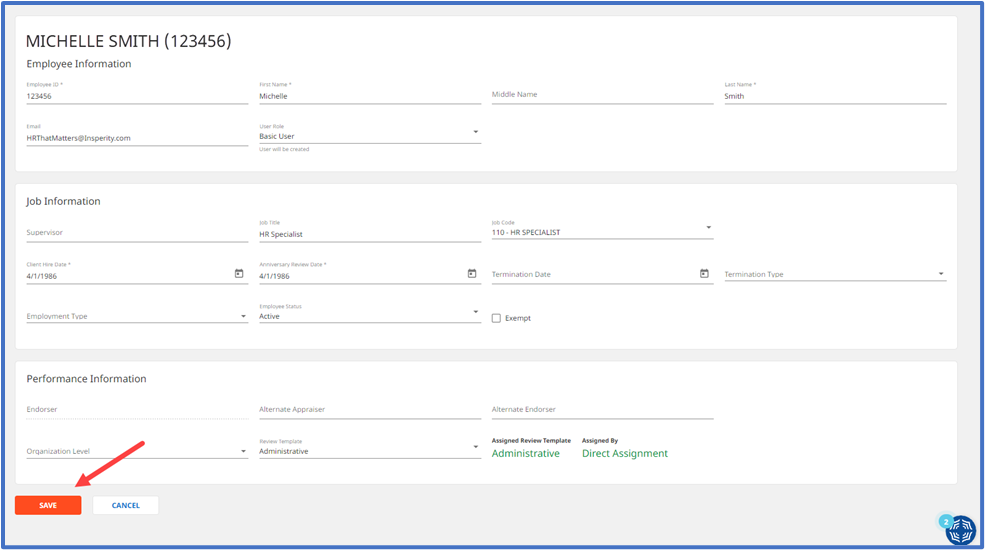
The job code field can be used for the following:
- To list job duties in the job duty section of a review.
- As an alternative field to exclude an employee from a review cycle.
- To create groups to automatically assign a review template
Please note that the job code field is separate from the job title field and will not update regardless of integration with Insperity Premier. For more information about integration between Insperity Premier and PerformSmart, please click here.
Step 1: Navigate to Employee’s Profile
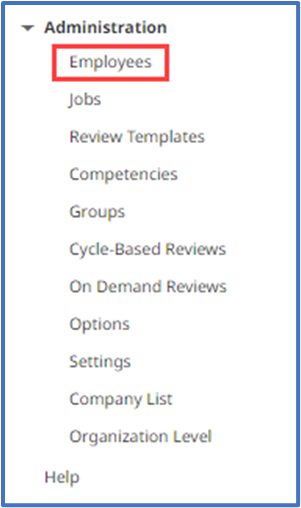
- Under the Administration tab, select Employees in the left-hand menu.
- Click the employee’s name.
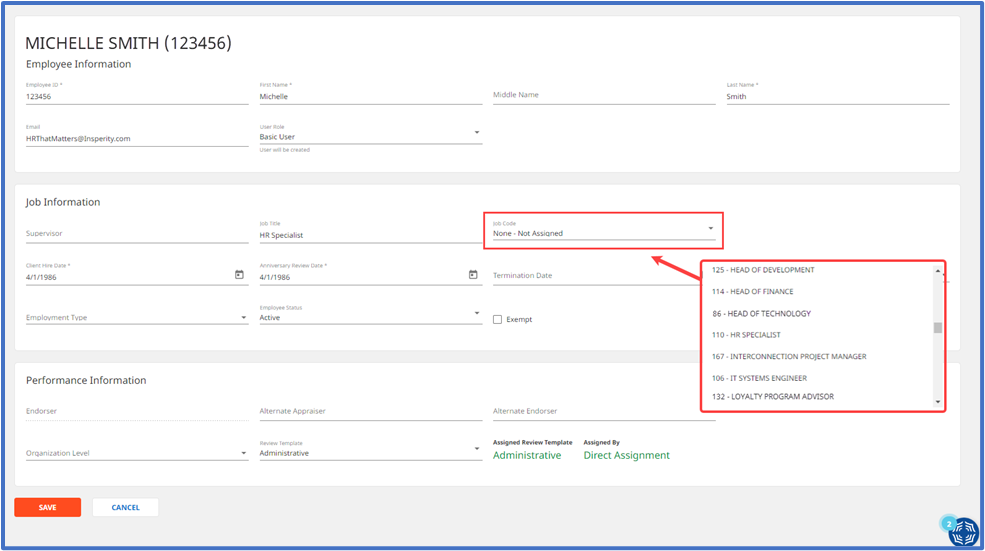
Step 2: Update the job code
In the Job Information section, select the job code from the drop-down list.
Step 3: Save the changes
At the bottom of the screen, click SAVE.